Research: How we cut AI token costs by 80%
We ran thousands of AI queries on unstructured and structured context and measured the cost. Structured context was 80% cheaper than unstructured.



AI costs are rising, and not for the reason most people assume. It's true that the models are getting more expensive and that teams are using them recklessly.
But there's another reason contributing to rising costs: messy context.
Context management is one of the biggest unsolved problems in enterprise today. There's mountains of knowledge that need to be converted to context so agents can use it reliably (and cheaply). To give agents access to that knowledge today, engineers are connecting their agents to dozens of MCP servers.
According to Gartner®, "Context accumulation is the main cost driver. Every agent task assembles a context window from enterprise documents, tool schemas, compliance rules, and conversation history. Each step reingests this growing context, compounding costs across workflows."
So when an agent needs to figure something out, like whether a service outage is related to a recent deployment, it asks GitHub MCP who owns the service, then asks Jira for recent tickets, then asks PagerDuty for incidents. That's three separate calls, repeated in different combinations every time something similar comes up.
When that happens once, it isn't a big deal. But when it happens hundreds of times a month, like in a workflow or because it's a popular question, the cost starts to add up. Putting aside cache, the 1000th time it runs costs the same as the 1st time it runs.
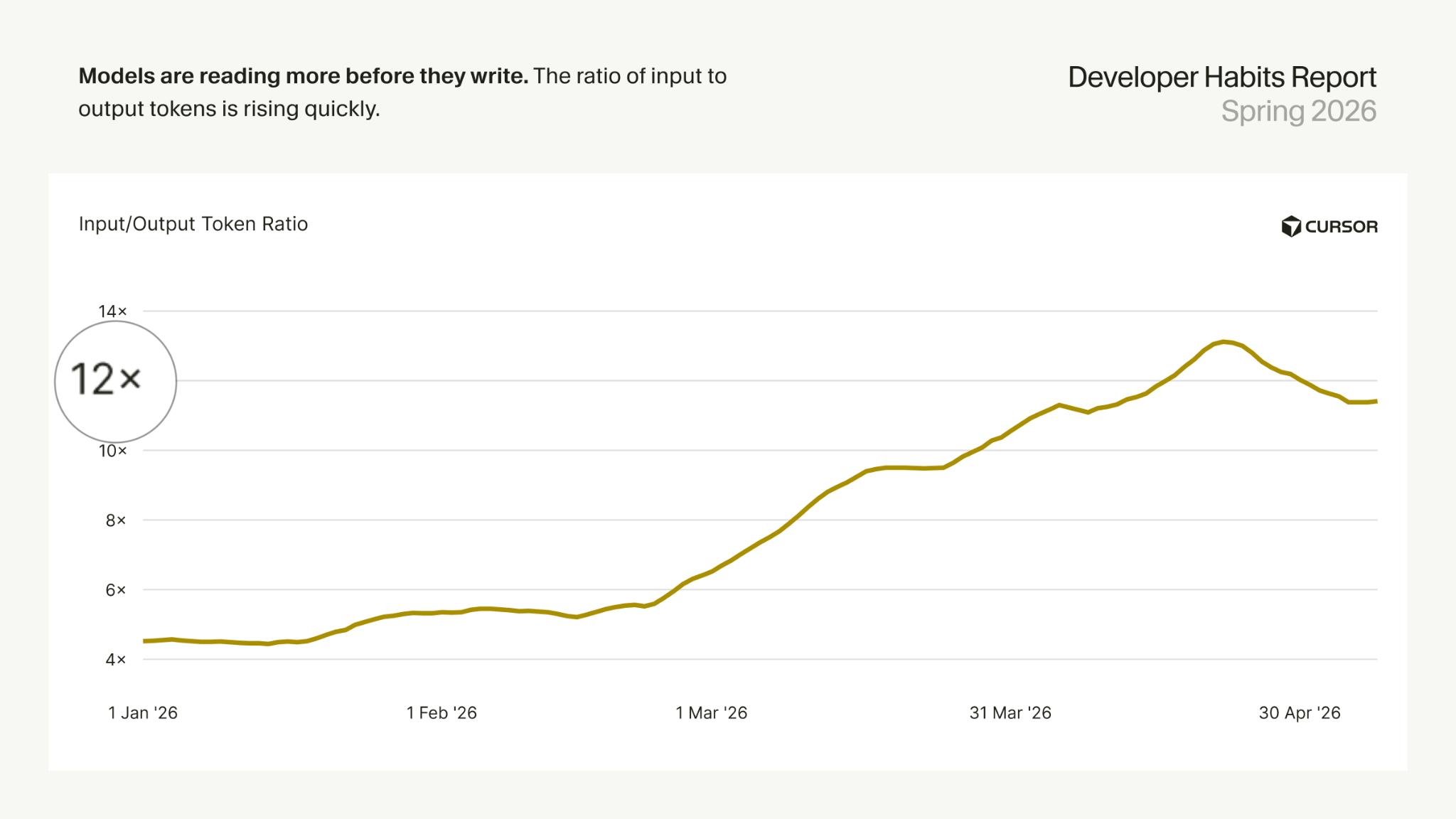
That's exactly what our data shows. Agent queries repeat themselves in slightly varied forms, thousands of times a month.
Every time that query happens, the agent is pulling hundreds of thousands of tokens worth of input context (which is the majority of context for agent queries).
So we decided to run an experiment to see if we could reduce AI cost when fetching context.
Our hypothesis: By pre-relating context and building a semantic layer that matches popular query patterns, you can reduce the amount of data hops and reasoning agents have to do. Fewer hops should mean fewer tokens consumed and therefore lower costs.
The experiment
We pulled thousands of agent queries from production, categorized them, and created a test set of 1000 commonly asked SDLC queries.
We then created the following four conditions to run the queries on:
Claude + MCPs (baseline). The agent had direct access to GitHub, Jira, and PagerDuty via their respective MCP servers which the same setup most teams are running today. The agent had to figure out on its own which tool to call, in what order, and how to reconcile results that came back in different formats with different naming conventions. Every query that touched more than one tool required the agent to resolve these mismatches mid-flight, burning tokens on each attempt.
Claude + MCPs with a skill file. Same tool access as the previous condition, but we added a markdown skill file that describes what each tool is authoritative for, explains the repo structure and potential naming mismatches, and outlines a lookup strategy for each type of question: start in GitHub, find the owning team, then use that team name to look up the PagerDuty schedule.
Context lake. The agent had access only to Port's MCP server, which exposes a unified software catalog where GitHub, Jira, and PagerDuty data are already pre-integrated as a knowledge graph. Services in the catalog already have their PagerDuty service, GitHub repository, and Jira project linked as relations and nodes on the graph. (What is context lake? Read this)
Context lake with a skill file. Same catalog access as the previous condition, plus a skill file optimized for the catalog's structure. Instead of a lookup strategy, it's a routing table: a mapping of query type to the entity type and property field that answers it. "Who's on call for service X?" → read service[X].on_call. The agent's only job is to find the right entity and read the right field.
We then ran the queries across all 4 conditions and across three models.
- Haiku
- Sonnet
- Opus 4.8
In total, we ran 12,000 queries and measured token usage for every query.
{{from_manual_to_autonomous_engineering}}
The results

Here's the full average cost breakdown per query across all four conditions and three models:

In percentage terms vs. baseline:

What were our key findings?
- Context lake with skills is consistently ~80% cheaper than "MCP-only" across every model.
- Haiku dropped from $0.087 to $0.018, Sonnet from $0.333 to $0.059, and Opus from $1.761 to $0.354. The savings hold regardless of which model you're using.
- Expensive models become more viable for everyday queries with a context lake. Opus at $1.761 per query is something you'd normally reserve for the most critical tasks. At context lake prices, that same Opus query costs $0.354 - still the most expensive option, but within range for common use.
The effect of skills surprised us in a couple of ways:
Adding a skill to Claude + MCPs actually made things worse: 18% more expensive on Haiku, 13% on Sonnet, 24% on Opus. We expected routing guidance to help agents take more direct paths. What actually happened was that agents followed the skill file like a checklist, executing every step in order rather than reasoning about what they actually needed.
In the context lake, the skill file did help, but in a different way. The data was already joined, so the agent wasn't making redundant calls. The skill file's only job was to point toward the right entry point.
Skill files aren't a bad idea but they're not a silver bullet. They do seem to work better when the underlying data is already well-structured, though.
What makes the context lake more efficient
A context lake is a continuously updated, unified knowledge layer that connects all your organizational data like services, teams, incidents, deployments, and tickets into a single modelled graph with explicit relationships. Agents query it instead of querying individual tools.
Two characteristics of context lake help agents fetch context more efficiently:
- Pre-joined data. In an MCP-only setup, the agent is the one connecting entities, using partial results from tools that don't know about each other. Every query has to reason about the same connections. In the context lake graph, a service entity already knows its team, its repo, its PagerDuty service, and its Jira project. The agent reads one thing and gets the full picture. The efficiency gain isn't just fewer calls. It's that the agent never has to reason about how things connect, because that's already baked into the data model.
- Data shortcuts. Mirror and aggregation properties can shorten paths between data points. For example,
service.on_callisn't a relation the agent traverses. It's a field already populated by mirroringteam.on_call_userat sync time.open_incident_countisn't something the agent has to count; it's stored. When an agent counts incidents by querying each service one by one, it's spending tokens on arithmetic that could have been done once. The catalog does that work at ingestion and serves the result directly.
What it all means
If you're building with agents today, here's what you should take with you:
- You probably don't need the most expensive model for most of your queries. Haiku handled a significant portion of our test cases adequately, and if your data layer is efficient, the cheaper model has less context to wade through anyway.
- Platform engineering needs to own context management. Right now most organizations treat agent cost as an agent problem: tune the prompt, add more tools, hope the model figures it out. But the agent is just responding to whatever structure it's given. If the data is fragmented, the agent will hop. And that's expensive.
- The context window is a managed resource with a budget. Someone has to own it, and platform engineering is the right team for the job.
- Pre-integrating data into a shared model moves the work from inference time to ingestion time. You pay to build the graph once; every subsequent query is cheaper. That savings gets better the more you use it.
To read more about context lake, check out: Why agents need a context lake


Get your survey template today
%201.svg)


Download your survey template today


Free Roadmap planner for Platform Engineering teams
Set Clear Goals for Your Portal
Define Features and Milestones
Stay Aligned and Keep Moving Forward
Create your Roadmap


Free RFP template for Internal Developer Portal
Creating an RFP for an internal developer portal doesn’t have to be complex. Our template gives you a streamlined path to start strong and ensure you’re covering all the key details.
Get the RFP template


Leverage AI to generate optimized JQ commands
test them in real-time, and refine your approach instantly. This powerful tool lets you experiment, troubleshoot, and fine-tune your queries—taking your development workflow to the next level.
Explore now
Check out Port's pre-populated demo and see what it's all about.
No email required
LIVE WEBINAR, Aug 18, 2026:
Context-aware Vibe Coding for Platform Engineering
Thursday, October 22 12:00pm EDT⋅6:00pm CET
To learn more about the new capability and to see a live demo, join our upcoming community session with GitHub
Move fast while staying in control
Build governed agentic workflows on one central platform.
See it in action:
Watch this video on generating Terraform with Port, or explore our public demo.
.png)
Check out the 2025 State of Internal Developer Portals report
No email required
Minimize engineering chaos. Port serves as one central platform for all your needs.
Act on every part of your SDLC in Port.
Your team needs the right info at the right time. With Port's software catalog, they'll have it.
Learn more about Port's agentic engineering platform
Read the launch blog
Contact sales for a technical walkthrough of Port
Every team is different. Port lets you design a developer experience that truly fits your org.
As your org grows, so does complexity. Port scales your catalog, orchestration, and workflows seamlessly.
Port × n8n Boost AI Workflows with Context, Guardrails, and Control
Port Builders Session: A Single, Governed Interface for All MCP Servers
Book a demo right now to check out Port's developer portal yourself
Apply to join the Beta for Port's new Backstage plugin


n8n + Port templates you can use today
walkthrough of ready-to-use workflows you can clone
From manual to autonomous engineering
One platform to build, govern, and operate the Agentic SDLC.
Port is open for you to try it
build your first agentic workflow today