
Introducing Port’s next generation GitHub integration
The new GitHub Ocean integration delivers better performance, more reliable syncs, improved troubleshooting, and faster feature delivery.


Introducing Port’s Next Generation GitHub Integration
Tl;DR
We’ve built a new GitHub integration powered by Ocean to replace our existing one.
The new integration brings GitHub in line with how all other Port integrations operate, letting us ship fixes and new capabilities much faster. It brings better troubleshooting with sync metrics and structured logs, scheduled syncs for more reliable data, automatic relations between GitHub users and teams, better performance, and tackles multiple feature requests raised by our customers.
Why build it again if it already works?
What is Ocean?
Until now, all Port integrations except K8s and GitHub were built with Ocean. Ocean is an open source framework built and maintained by Port. We use it to build integrations in a unified and simple way, to speed up the process of building new integrations internally, and to let customers build their own integrations easily.
Having a unified framework for all integrations:
- Reduces the time spent building integrations by reusing the same foundation instead of starting from scratch.
- Opens up cross-integration features. For example, Ocean exposes sync metrics that are automatically available to every Ocean-based integration.
- Makes it easier to troubleshoot issues and collect the same metrics across integrations.
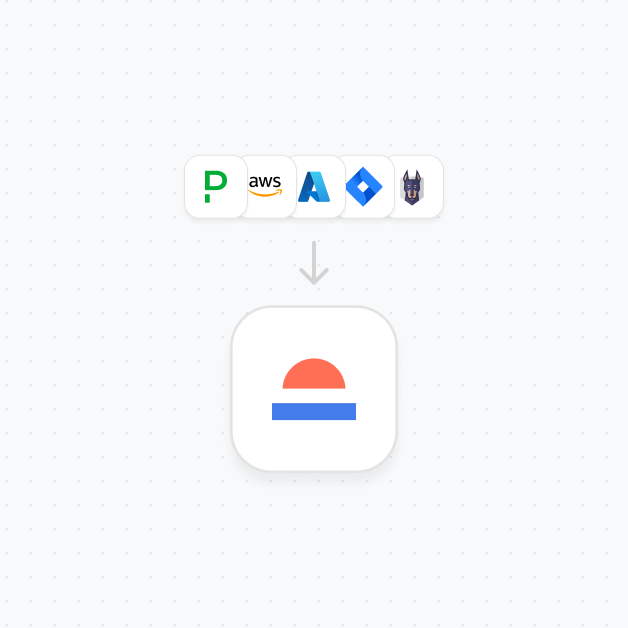
The legacy GitHub integration story
GitHub is one of the first integrations built by Port, and one of the most used integrations. One of the main pillars of Port is the service catalog, and regardless of the way companies organize their code (mono-repo / micro-services), services represent a part of the code from the company’s product. Today, most teams keep their code in a Git provider. Because GitHub is one of the most widely used Git providers, it was one of the first integrations we built, even before Ocean existed.
So what’s the problem?
As Port grew to more than 50 integrations and more enterprise customers, the legacy GitHub integration became a maintenance burden. When we fixed bugs or added features in Ocean, every Ocean-based integration got them automatically. GitHub didn't use Ocean, so it needed separate fixes or features. We had to choose: do the work twice, or let GitHub lag behind.
So we rebuilt GitHub integration with the Ocean framework.
What You Get With the New GitHub Ocean Integration
The new GitHub Ocean integration replaces the legacy one and adds capabilities that were not possible before:
- Better visibility and troubleshooting through built-in sync metrics and structured logs.
- Better permissions control so customers can customize GitHub app permissions and decide how much data reaches the Portal.
- Better performance with faster and more efficient syncs.
- Full isolation per customer so each integration runs independently and avoids noisy neighbor issues.
- In addition to manual syncs and live events, the new integration includes scheduled syncs for more reliable data.
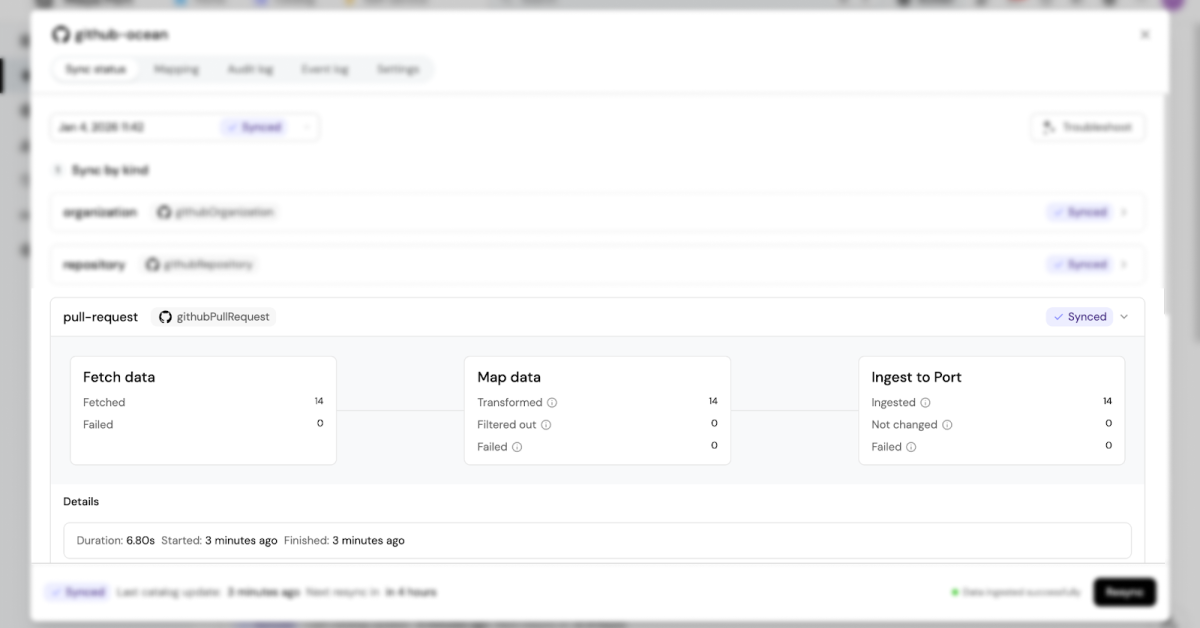
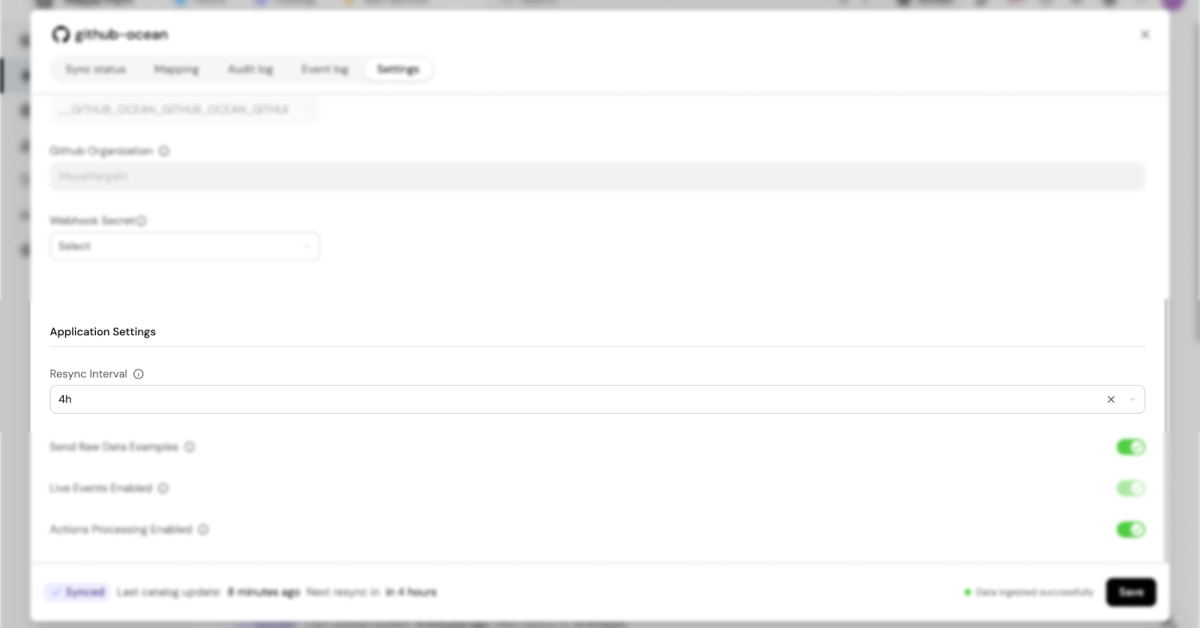
We also took the opportunity to improve the GitHub integration itself and tackle multiple feature requests that customers have opened on the legacy GitHub integration.
The new GitHub integration now:
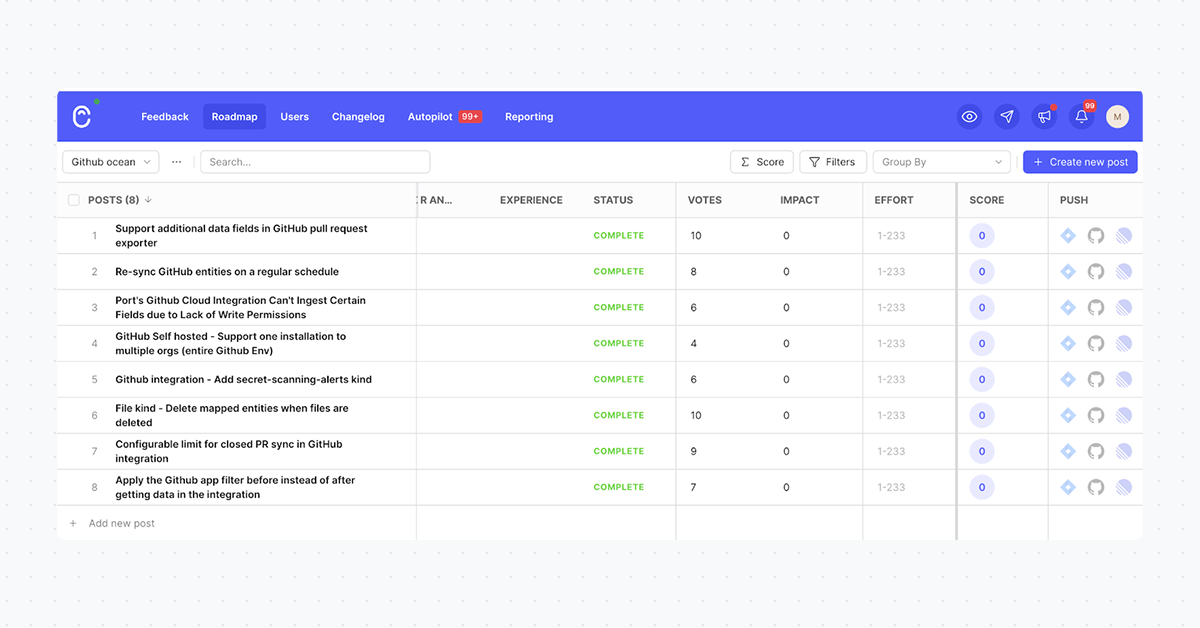
- Adds automatic relations between GitHub users and GitHub teams (Link)
- Expands pull request data with more properties using GraphQL (Link)
- Adds multi Github organizations in one integration (Link)
- Adds secret-scanning-alerts kind (Link)
- Has a configurable limit for closed PR sync (Link)
And more!
What can you do with the new GitHub Ocean integration?
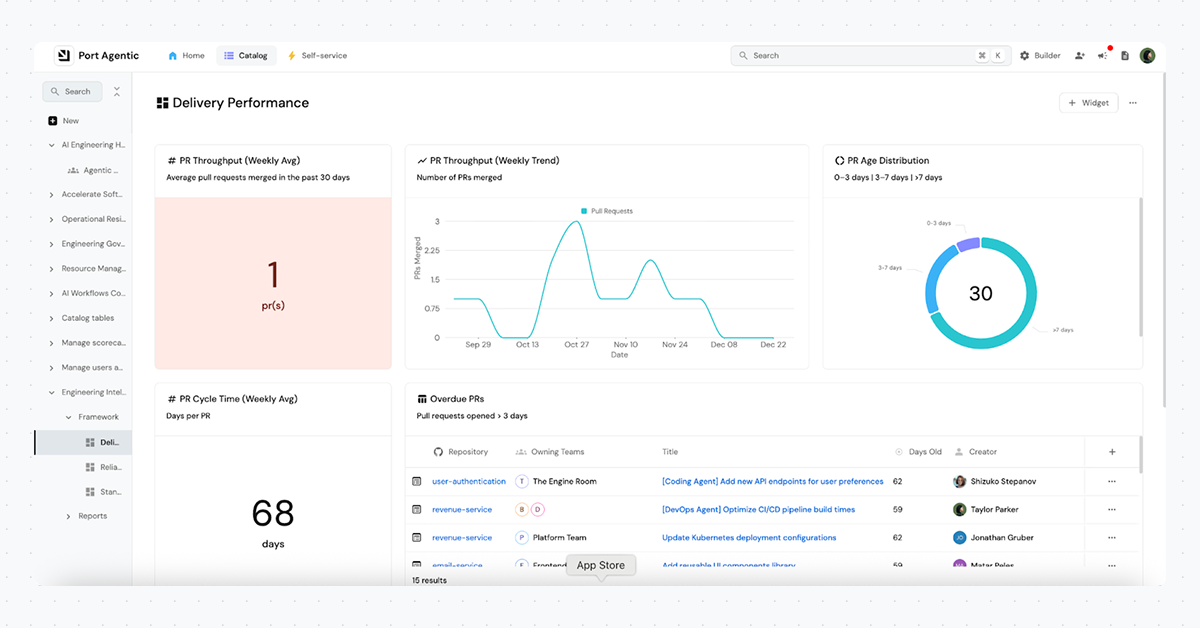
The new GitHub Ocean integration has full parity with the legacy integration. You can add services to the software catalog and connect them to repositories and folders, create self-service actions that run GitHub workflows, and open up solutions with GitHub data and metrics, for example, engineering intelligence and engineer onboarding.
How you can get started today
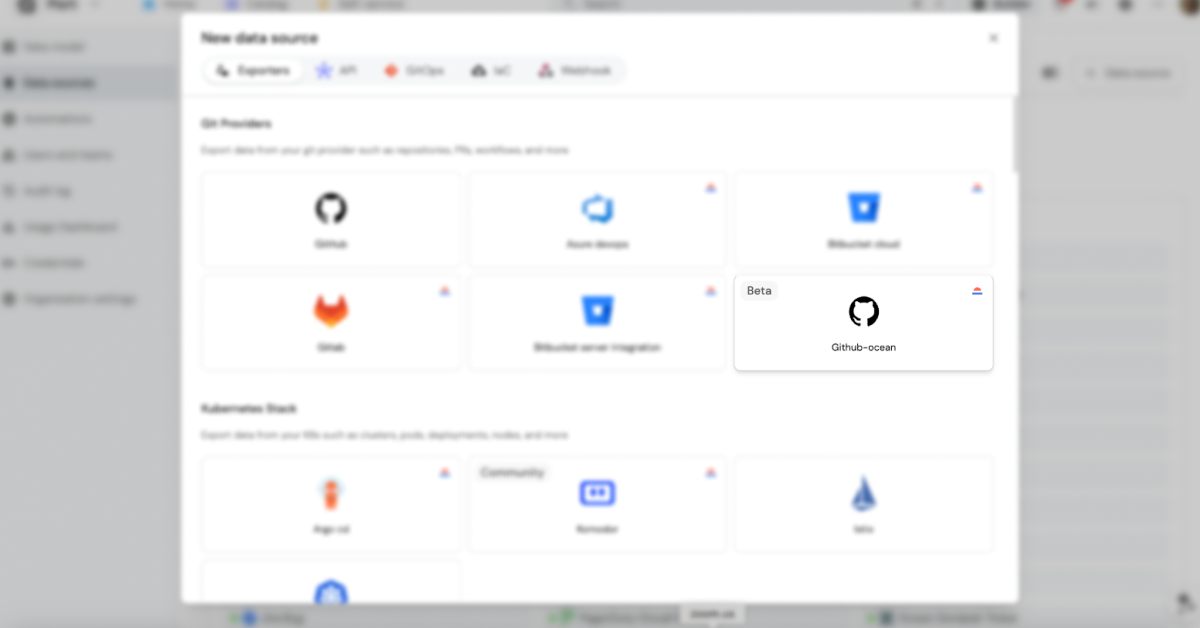
To install the new GitHub Ocean integration, open the Builder view in your Portal, go to Data sources, click on the +Data source button, and choose GitHub Ocean
There are two main installation methods for the integration:
Hosted by Port - supports three installation options:
- GitHub app configured by Port.
- Custom GitHub app built by the user.
- PAT (personal access token).
Self-hosted - includes authentication with either a custom GitHub app or PAT (personal access token) in one of the following installation methods:
- K8s- Helm or ArgoCD
- Docker
- CI
More information about the installation is in our Docs.
Do you already have the legacy GitHub integration? Check out our migration guide to start using GitHub Ocean.


Get your survey template today
%201.svg)


Download your survey template today


Free Roadmap planner for Platform Engineering teams
Set Clear Goals for Your Portal
Define Features and Milestones
Stay Aligned and Keep Moving Forward
Create your Roadmap


Free RFP template for Internal Developer Portal
Creating an RFP for an internal developer portal doesn’t have to be complex. Our template gives you a streamlined path to start strong and ensure you’re covering all the key details.
Get the RFP template


Leverage AI to generate optimized JQ commands
test them in real-time, and refine your approach instantly. This powerful tool lets you experiment, troubleshoot, and fine-tune your queries—taking your development workflow to the next level.
Explore now
Check out Port's pre-populated demo and see what it's all about.
No email required
LIVE WEBINAR, Aug 18, 2026:
Context-aware Vibe Coding for Platform Engineering
Thursday, October 22 12:00pm EDT⋅6:00pm CET
To learn more about the new capability and to see a live demo, join our upcoming community session with GitHub
Move fast while staying in control
Build governed agentic workflows on one central platform.
See it in action:
Watch this video on generating Terraform with Port, or explore our public demo.
.png)
Check out the 2025 State of Internal Developer Portals report
No email required
Minimize engineering chaos. Port serves as one central platform for all your needs.
Act on every part of your SDLC in Port.
Your team needs the right info at the right time. With Port's software catalog, they'll have it.
Learn more about Port's agentic engineering platform
Read the launch blog
Contact sales for a technical walkthrough of Port
Every team is different. Port lets you design a developer experience that truly fits your org.
As your org grows, so does complexity. Port scales your catalog, orchestration, and workflows seamlessly.
Port × n8n Boost AI Workflows with Context, Guardrails, and Control
Port Builders Session: A Single, Governed Interface for All MCP Servers
Book a demo right now to check out Port's developer portal yourself
Apply to join the Beta for Port's new Backstage plugin


n8n + Port templates you can use today
walkthrough of ready-to-use workflows you can clone
From manual to autonomous engineering
One platform to build, govern, and operate the Agentic SDLC.
Port is open for you to try it
build your first agentic workflow today
.png)

