
Connect any tool to Port with the new Ocean custom integration
The new Ocean custom integration is a no-code interface that pulls data from any tool’s API so you can complete the SDLC picture.


Platform engineers can now connect any tool to their portal, even if it isn’t officially supported by the Port integrations library - and they can do it in one day. The new Ocean custom integration is a no-code interface that pulls data from any tool’s API so you can complete the SDLC picture.
Why did we build it?
Today, Port includes around 50 integrations across different categories. But new tools appear every day. Some companies even build their own internal tools to fit their unique needs and need those to connect to Port too.
For the portal to stay strong, platform engineers need to connect all the tools their R&D teams rely on - git providers, identity providers, cloud providers, observability tools, incident tools, and more, not just what we officially offer.
If Port doesn’t connect to a tool you rely on, developers must jump between Port and other tools. Workflows break. AI agents miss critical data when they pull from Port through MCP.
We tried to solve this with our open source Ocean framework. Ocean is a code framework that helps developers build new Port integrations. We use it internally to build new Port integrations and enrich our integrations library. But building a custom integration on top of the Ocean framework requires deep technical knowledge and actual coding. It can take weeks to ship a working integration that pulls data into Port the right way. Most customers request new integrations as feature requests. Then they wait for the Port team to build them, which can take months. Now there’s a better way.
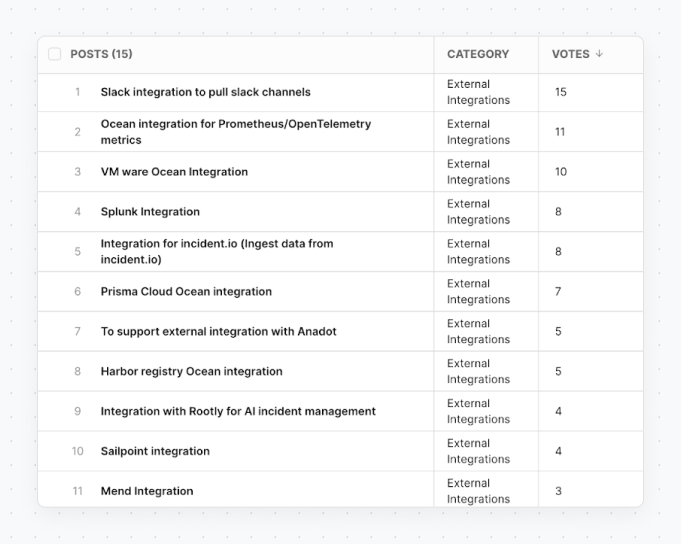
This forced us to rethink how we let our customers extend Port in ways we can’t. We decided to tackle the problem at its root by letting customers simply build their own integrations. We shared this idea with customers like GitHub and Latam, who manage dozens of tools. They immediately understood the value and requested this new capability.
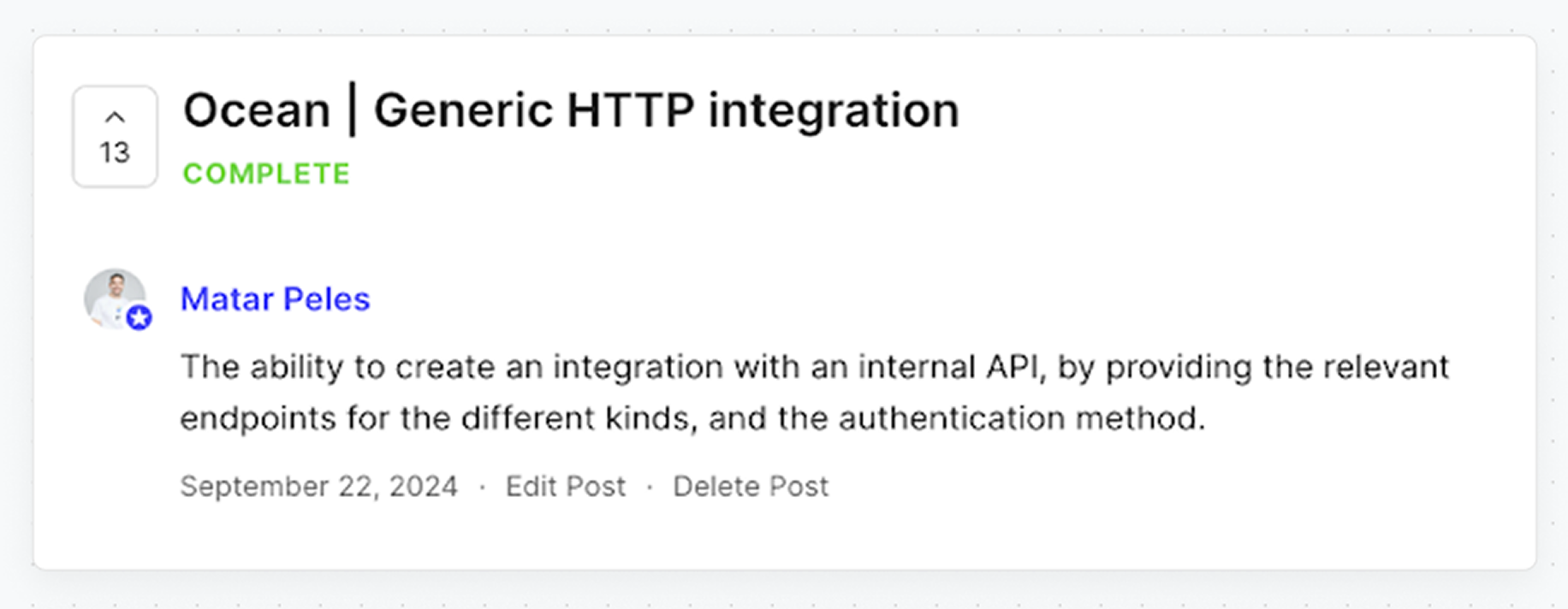
The Ocean custom integration
Matar, one of our sales engineers, decided to step in. He built the “Ocean custom” integration. It’s built on our Ocean framework, but provides a visual interface that lets customers build new integrations in one day, with zero coding! We tested it ourselves and built integrations for Entra ID, Cursor, Claude, and Slack. Each one took less than a day. Now you can do the same with your tools!
Solutions now unlocked
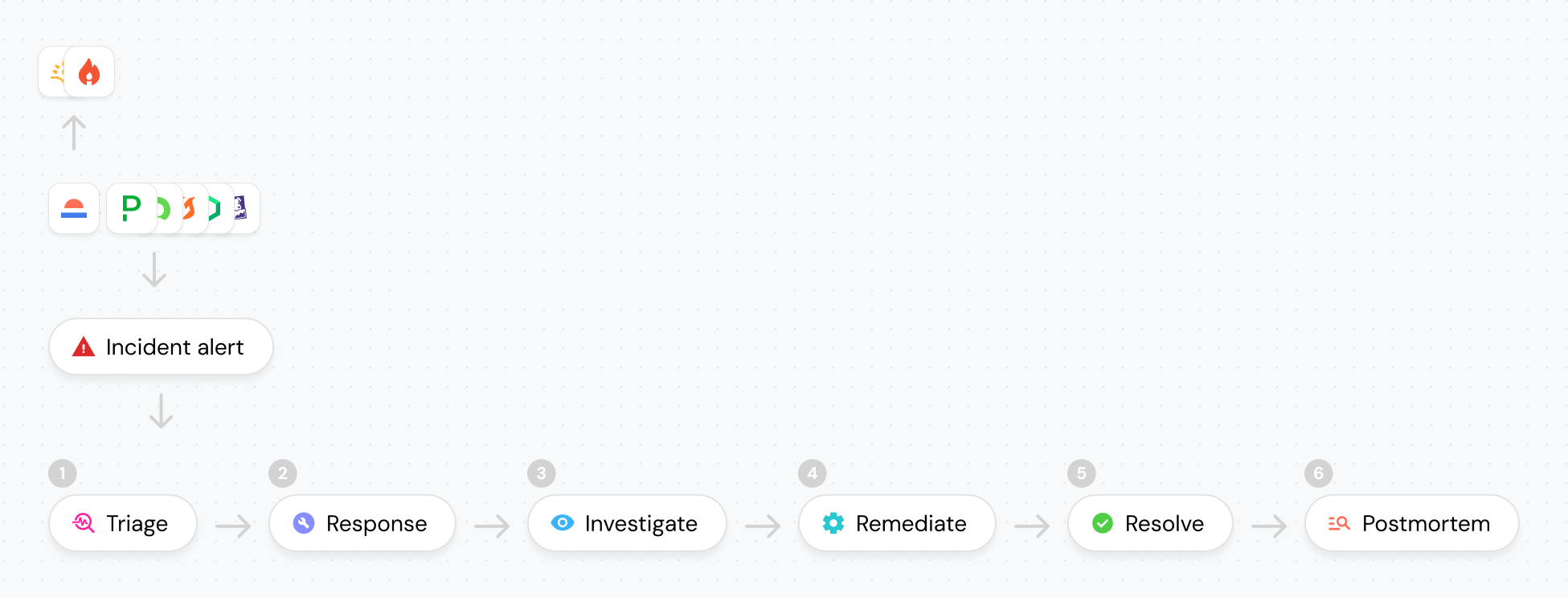
Port’s solutions are no longer limited, and you can build them with any tool. For example, take the self-healing incident workflow:
- Port detects an incident in your monitoring tool.
- An AI agent analyzes the error logs and proposes a fix.
- A developer reviews and approves it.
- The fix is implemented.
Before Ocean custom integration, this only worked with Port’s out-of-the-box integrations like PagerDuty, Opsgenie, and Datadog. Now you can use it with Incident.IO, Rootly, or Zenduty.
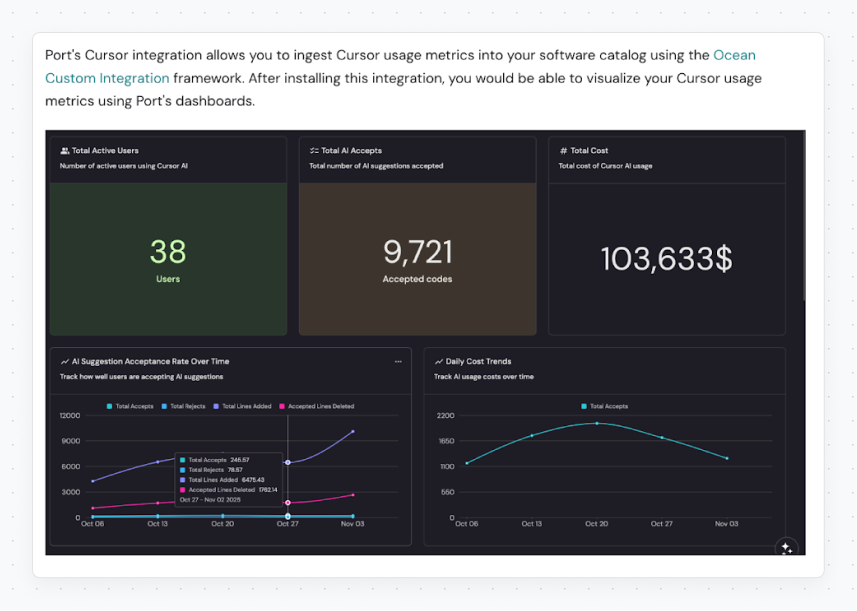
Or, say you wanted to build dashboards that track AI usage across engineering teams. You want to see which teams rely on AI the most, measure how much engineering time AI saves, or track how much you spend on AI subscriptions To accomplish that, you need to pull data from Cursor, Claude, and Codex into Port. With Ocean custom integration, this is now quick and straightforward.
How to build your own integration
Before adding your first tool, read our docs. Then integrate your tool using one of these interfaces:
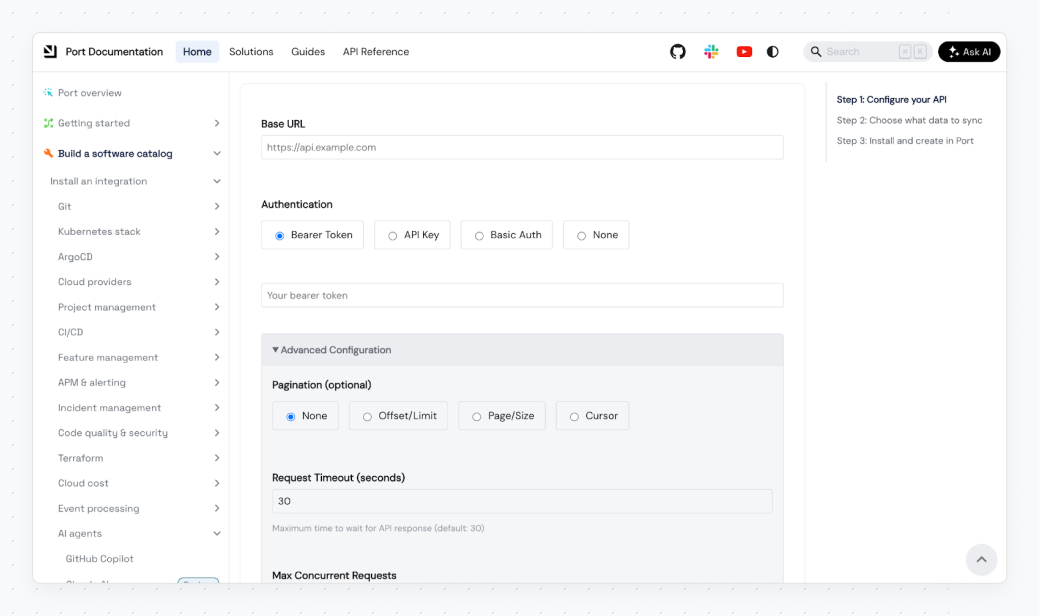
Via Port docs - Use the wizard in “Build your Integration” page. Follow these steps:
1. Set up the connection details for your API.
2. Choose the data to sync and map it to Port’s blueprints
3. Install the Helm / Docker command provided by the wizard.
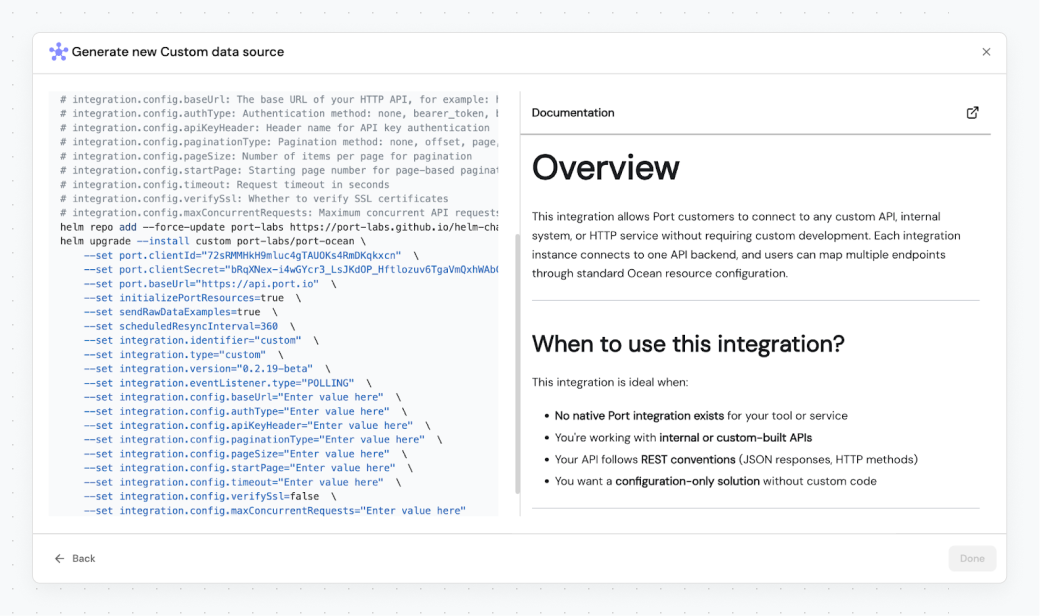
Via Port platform - Add a new custom data source from the Data sources modal
1. Open the Data sources page in Port
2. Click "Add data source"
3. Select "Ocean custom integration"
4. Fill in the configuration form with your API details
5. Copy and run the installation command
6. Map the data into Port blueprints.
What comes next?
To get the most out of Port, you need a solid base that pulls data from every SDLC tool. That’s exactly what Ocean custom gives you. We always push customers to build integrations, add their own ideas, and shape the portal around the way they work. Now it’s finally easy. As a next step, we’re bringing Ocean custom to SaaS with a cleaner interface that skips the terminal, and we’re also adding more guides for Ocean-based integrations so you can map data and set blueprints even faster.


Get your survey template today
%201.svg)


Download your survey template today


Free Roadmap planner for Platform Engineering teams
Set Clear Goals for Your Portal
Define Features and Milestones
Stay Aligned and Keep Moving Forward
Create your Roadmap


Free RFP template for Internal Developer Portal
Creating an RFP for an internal developer portal doesn’t have to be complex. Our template gives you a streamlined path to start strong and ensure you’re covering all the key details.
Get the RFP template


Leverage AI to generate optimized JQ commands
test them in real-time, and refine your approach instantly. This powerful tool lets you experiment, troubleshoot, and fine-tune your queries—taking your development workflow to the next level.
Explore now
Check out Port's pre-populated demo and see what it's all about.
No email required
LIVE WEBINAR, Aug 18, 2026:
Context-aware Vibe Coding for Platform Engineering
Thursday, October 22 12:00pm EDT⋅6:00pm CET
To learn more about the new capability and to see a live demo, join our upcoming community session with GitHub
Move fast while staying in control
Build governed agentic workflows on one central platform.
See it in action:
Watch this video on generating Terraform with Port, or explore our public demo.
.png)
Check out the 2025 State of Internal Developer Portals report
No email required
Minimize engineering chaos. Port serves as one central platform for all your needs.
Act on every part of your SDLC in Port.
Your team needs the right info at the right time. With Port's software catalog, they'll have it.
Learn more about Port's agentic engineering platform
Read the launch blog
Contact sales for a technical walkthrough of Port
Every team is different. Port lets you design a developer experience that truly fits your org.
As your org grows, so does complexity. Port scales your catalog, orchestration, and workflows seamlessly.
Port × n8n Boost AI Workflows with Context, Guardrails, and Control
Port Builders Session: A Single, Governed Interface for All MCP Servers
Book a demo right now to check out Port's developer portal yourself
Apply to join the Beta for Port's new Backstage plugin


n8n + Port templates you can use today
walkthrough of ready-to-use workflows you can clone
From manual to autonomous engineering
One platform to build, govern, and operate the Agentic SDLC.
Port is open for you to try it
build your first agentic workflow today

.png)

